
Ransomware at your office: what do you do when it goes wrong?
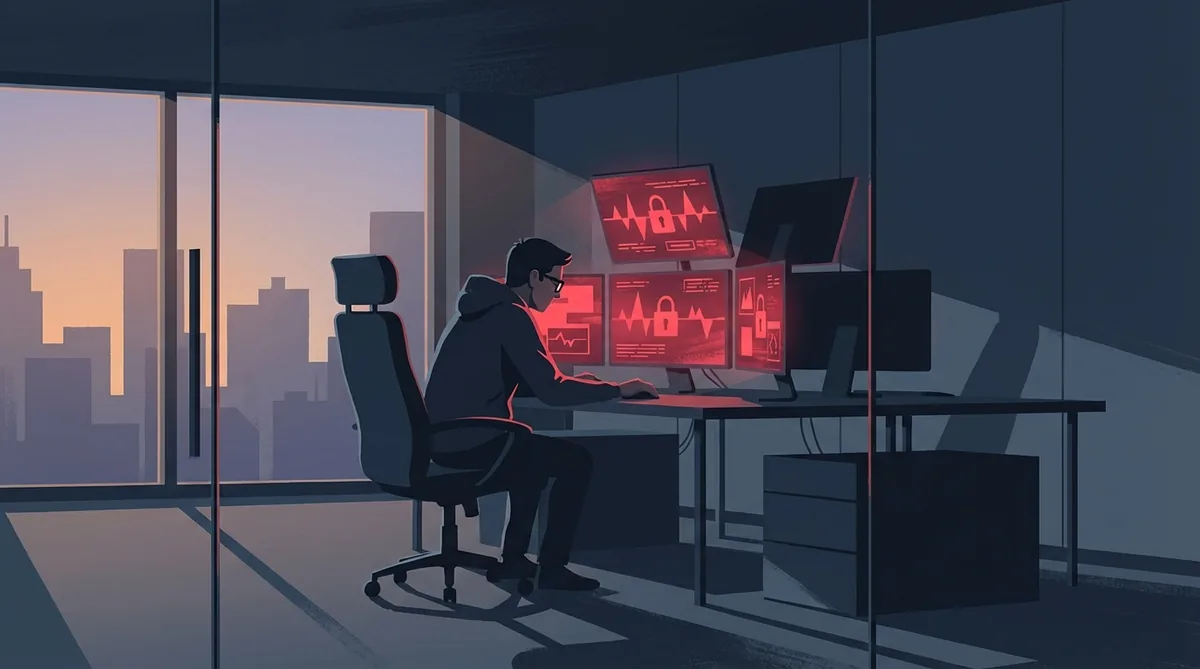
I was sitting in the Kyiv office. Normal working day.
Phone rings. Colleagues from the Netherlands - voices rising: files won’t open, screens look strange, “it’s really bad here”. I connect remotely and pull up the console. File names changing one by one.
In that second I understood everything.
I call the Dutch office: turn off the computers. Now. Stop everything.
Five minutes later the director calls: you have an emergency flight.
Short version: ransomware encrypts your files and demands payment. For small businesses that’s often a choice between paying or losing everything. At a dental practice where I worked, this happened twice. Three years before I arrived they refused to pay - and lost three years of X-rays and patient records forever. In my first months I flew from Kyiv to the Netherlands, spent a night in log files, and waited two weeks for a decision. We paid €1,500. We got everything back. This article explains what I did - and how I made sure it didn’t have to happen again for seven years.
What ransomware actually is
Ransomware is software that encrypts your files and promises to release them once you pay. The attackers send a decryption key when the money arrives - in theory. In practice, you don’t always get that key.
Small businesses are a favourite target. Not because they have a lot of money, but because their security is weaker than large organisations and they’re willing to pay to get their data back. A dental practice without access to patient records hits a wall after just one day.
How ransomware gets in:
- Phishing email with an attachment or link - by far the most common
- Weak passwords on remote desktop or VPN
- Software that hasn’t been updated in months
- USB drives of unknown origin
Three years before I arrived
What I learned in my first week: this wasn’t the first time.
Three years before I joined, the same practice had been hit. They decided not to pay. The result: three years of X-rays and patient documentation gone forever. No recovery possible. When I started, that empty gap in the archive was still there.
The previous IT administrator had built nothing after that attack. No backups, no better protection. They just carried on.
The emergency flight
Bag packed, straight to the airport.
The main server was at the director’s home. That was my first stop, directly from the flight. I walk in - five machines infected. I go through them one by one: checking how far the virus got, what’s encrypted, what’s still intact.
I’m there until late at night going through log files. On one of the screens - the ransom message. Payment demand in bitcoin, countdown timer.
The director is standing next to me. Watching. Over the hours I’m working, his hair seems to have got greyer.
I look up from a machine and say it: the files can’t be recovered. Not without the key.
Two weeks of waiting
The director didn’t decide immediately. €1,500 is money. Maybe there was another way.
I checked nomoreransom.org first - a free platform from the Police and Europol with decryption tools for hundreds of ransomware variants. For this variant there was nothing available.
While management was weighing it up, I dug through the rest of the system. And the deeper I dug, the worse it looked.
No firewall. No antivirus. No backups. Nothing at all. The network was wide open. The previous administrator had left it that way - and nobody had ever flagged it.
I used those two weeks to map out everything that should have been there: backup architecture, antivirus plan, firewall rules. Ready to deploy the moment we got the go-ahead.
The decision and the command line
After two weeks the director said: we pay.
The calculation was simple: €1,500 or lose four years of patient data. And we both knew what had happened three years earlier when they said no.
We made the transfer. Got the script.
We ran it on an isolated machine. The command line started. File name by file name began appearing - the files decrypting one by one. It took hours. Nobody said much.
Everything came back.
What I built in the two weeks after
While the data was being restored, I was building in parallel what should have been there for years.
Antivirus on every machine. A firewall with proper rules. Daily backups to external storage that gets disconnected from the network after copying. And a quarterly restore test: wipe a machine, restore from backup, measure the time, write it down.
Two weeks after that call from Kyiv, the network looked completely different.
Seven years later, not a single attack. The backups never once failed. Not because of luck - but because I checked every time, closed every small gap I found, and always went one step further than strictly necessary. Boring routine. But that’s exactly what makes sure you never sit in someone’s living room at night watching a director go grey in real time.
You know what that same director said when I eventually left? “There’s actually not that much IT work here. You’re not really essential.”
That’s the irony of this job. When everything’s on fire and you fly in from another country on short notice: great work, you’ve earned a beer. But when you spend seven years making sure nothing catches fire at all - apparently you’re just not that busy.
Quiet IT is the goal. It’s just not always understood what that takes.
What you can do today
You don’t need a big IT budget to get the basics right.
Backups in a separate location. A backup on the same network as the infected machines gets encrypted too. Use an external drive that you disconnect after copying, or a cloud service like Microsoft OneDrive or Backblaze. Both if possible.
Test your backup at least once a year. Set up a machine from scratch and restore the backup completely. Measure how long it takes. Write it down. If you’ve never done this, you don’t know if it works.
Keep software up to date. Most attacks exploit known vulnerabilities that have had a patch available for months. Windows updates, antivirus - not optional.
Teach staff to spot phishing. One click on the wrong attachment is enough. Urgent language, unknown sender, attachment you weren’t expecting - a ten-minute conversation can prevent an attack.
Three questions I get asked
Should I pay the ransom? Check nomoreransom.org first - for many variants there’s a free decryption tool. If there isn’t one and the data is critical: sometimes paying is the least bad option. I’ve done it. But it’s a gamble - the key doesn’t always work, and paying marks you as a known payer. The only real answer is making sure you never face that choice.
How do I know if my backup actually works? Only by testing it. Not checking whether files are present - a full machine restore with the time measured. If you’ve never done this, you don’t know.
What if I have no backups at all? Then the options are bad. Professional data recovery companies are expensive and not always successful. Better to start now than after the attack.
Ransomware often gets in through weak passwords or phishing. Read also: why a Post-it in the drawer beats one on the screen — on password security in a small office.
Want to know how your office is set up right now? I do a practical IT check for small businesses in Limburg - backups, updates and security included.